So I just realized I haven't made a blog post in quite a while (four months actually) and since I haven't been very inspired musically, lately...
I'll make a post about programming instead!
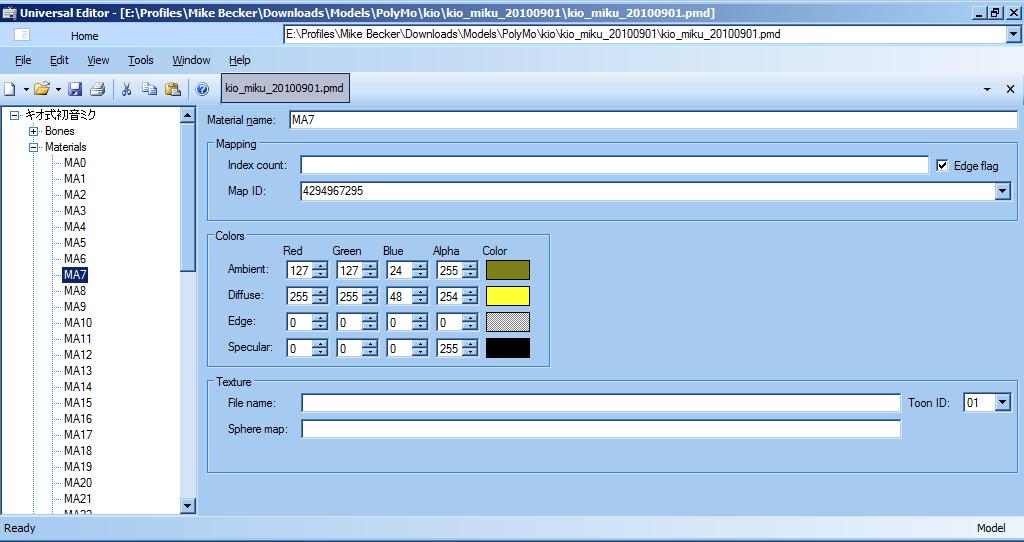
I've been working on a project called universal-editor, which will be 100% free software (GNU GPLv3) and aims to open, edit, and save pretty much any file in the universe.
It does this by separating file formats and data "representations". For example, a Microsoft Word 2003 file, an Adobe PDF file, and an OpenDocument Text file all store the same data : formatted text. So one need only write a formatted text editor, define the three different file formats... and voilà! Instant conversion between data formats!
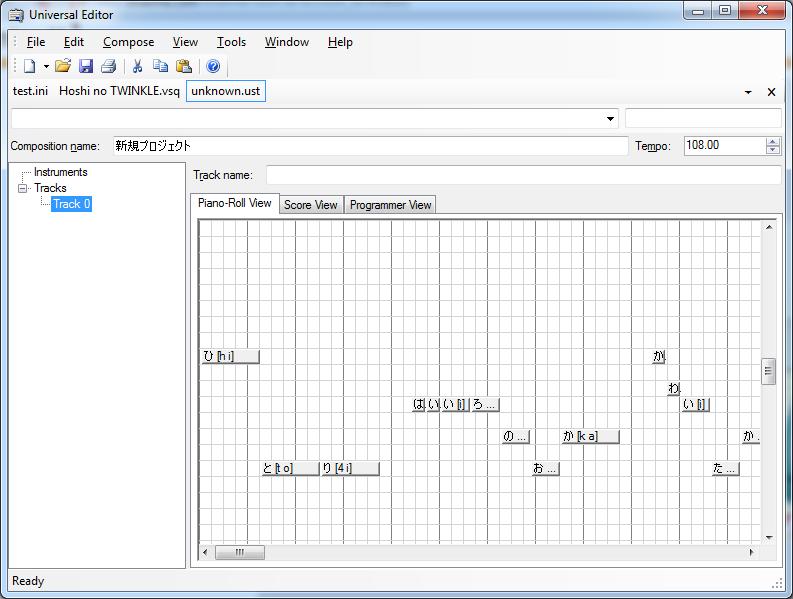
So there's a lot of perks. Currently, not much is complete (and if it is, it hasn't been thoroughly tested). Right now I'm working on loading vocal synthesis sequences (VOCALOID VSQ files, UTAU UST files, and VirSyn CANTOR 2 VCP files).
Since MIDI files are also synthesized audio files, they use the same editor. So importing pre-made MIDI files, adding lyrics, and re-saving them as vocal synthesis files is a snap!
(Note that this editor CANNOT and probably will never aim to synthesize these vocal tracks. You will have to purchase VOCALOID2 or download UTAU in order to actually synthesize the vocals.)
Here's a screenshot: